


Diverse film emulation collection, from classic to vibrant, for all artistic tastes.
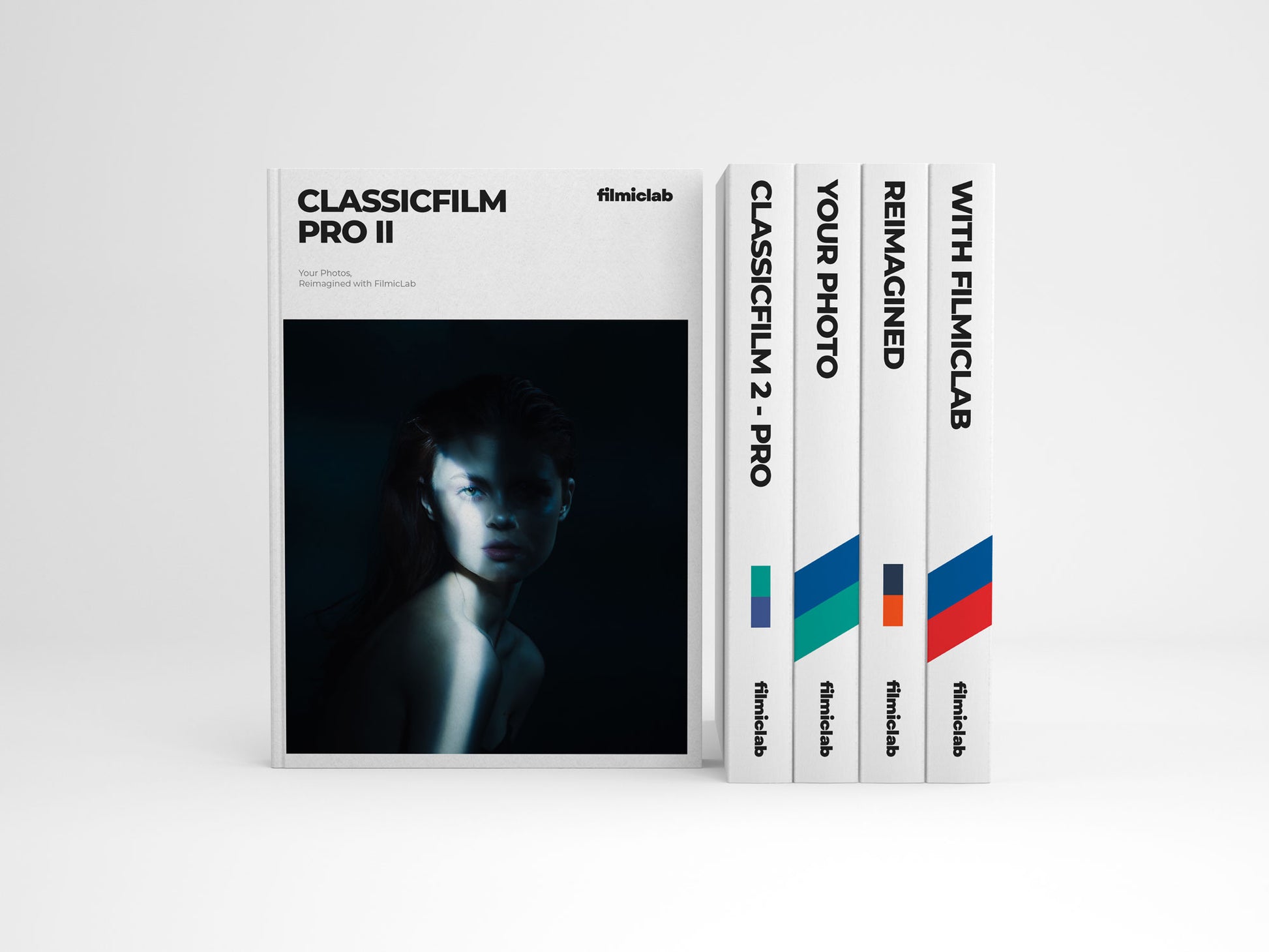
Visual Creativity, No Darkroom Required:
Experience film photography in its purest form with our Lightroom profiles. No complex setups—just simple, creative tools to achieve stunning film-like results instantly.

45+ Premium Lightroom Profiles

Adjustable Intensity Levels
Customizable profiles for fine-tuning film effects to match creative visions.

Photoshop & Lightroom Compatible
Perfectly match your creative vision with customizable intensity.

Cross-Platform Compatibility
Seamlessly compatible with Adobe Lightroom across devices.
Authentic Film Aesthetics with Every Click
Bring the unmatched color and texture of real film to your digital workflow. FilmicLab's Lightroom profiles capture the richness and depth of analog tones, offering vibrant hues and subtle contrasts that transform your images with the ease of a click. Plus, each profile is fully adjustable, giving you the freedom to fine-tune every detail and achieve the exact look you want.
Instant Transformation, Infinite Possibilities
Unlock Lifetime Access with One Purchase
Make a one-time payment and gain access to FilmicLab’s ever-growing collection of Lightroom profiles. No subscriptions, just lifetime updates—ensuring you always have the latest enhancements and exclusive profiles. Buy today and secure ongoing updates, features, and support, all included with your purchase.
FAQ
Profiles vs. Presets: Achieving 3.5 ΔE Color Precision
Move beyond basic presets. Our Lightroom profiles use LUTs (Look-Up Tables) sampled from real 35mm film negatives to provide color precision that presets simply can’t offer. Unlike simple preset adjustments, our profiles use advanced color science—including principles of colorimetry (how colors are measured) and chromaticity (how colors are perceived)—to achieve a level of color accuracy as fine as 3.5 ΔE. This ensures your images have the same depth and nuance as real film. Elevate your digital photography beyond conventional presets with our scientifically grounded solutions.
What is included?
All profiles are sampled from real film, ensuring authentic emulation (.xmp). Future releases and updates are included.
CS-50D
- CS-50D
- CS-50D-50%
5207
- 5207
- 5207-50%
- 5207-ALT
- 5207-ALT-50%
G-200
- G-200
- G-200-50%
- G-200-ALT
- G-200-ALT-50%
UM-400
- UM-400
- UM-400-50%
- UM-400-ALT
- UM-400-ALT-50%
LC-Purple
- LC-Purple
- LC-Purple-ALT
S-200
- S-200
- S-200-R
CS-800T
- CS-800T
- CS-800T-50%
- CS-800T-ALT
- CS-800T-ALT-50%
- CS-800T-Faded
- CS-800T-Faded-50%
E-100
- E-100
- E-100-50%
- E-100-ALT
- E-100-ALT-50%
- E-100-Faded
- E-100-Faded-50%
P-400
- P-400
- P-400-50%
- P-400-ALT
- P-400-ALT-50%
- P-400-ALT-II
- P-400-ALT-II-50%
F-P400H
- F-P400H
- F-P400H-50%
- F-P400H-ALT
- F-P400H-ALT-50%
F-P100F
- F-P100F
- F-P100F-50%
Changelog
Version 2.0 Released Apr 6, 2026
Complete Profile Remap & Expansion Update:
We've completely remapped all of our profiles from the ground up to deliver significantly better accuracy. Alongside these core improvements, every profile now includes a -50% intensity variation, designed perfectly for quick edits and previewing. We're also excited to introduce a brand-new set of Black and White profiles to further expand your creative options. Before importing the new version, please delete your previous profiles entirely to ensure proper installation. To do this, right-click on the profiles > Delete, then proceed with the update.
For a detailed look at all updates, you can view the full changelog at: www.filmiclab.com/blogs/news/changelog.
Version 2.0 Released Apr 6, 2026
Complete Profile Remap & Expansion Update:
We've completely remapped all of our profiles from the ground up to deliver significantly better accuracy. Alongside these core improvements, every profile now includes a -50% intensity variation, designed perfectly for quick edits and previewing. We're also excited to introduce a brand-new set of Black and White profiles to further expand your creative options. Before importing the new version, please delete your previous profiles entirely to ensure proper installation. To do this, right-click on the profiles > Delete, then proceed with the update.
For a detailed look at all updates, you can view the full changelog at: www.filmiclab.com/blogs/news/changelog.